How to add synced lyrics to your own songs on iPhone
By Mohd Mahmodi, who makes the app. Updated November 5, 2026.
Synced lyrics usually come as an .lrc file, a text file with a time stamp on each line. Offline Music Player reads those, and it can also help you time lyrics you paste in.
Import an .lrc file
- Give the .lrc file the same name as the song, such as
01 Intro.mp3and01 Intro.lrc. - Import the .lrc with the song, or on its own later from Import, then Choose Files.
- Open the song and tap the lyrics button in the player.
Importing a folder brings its .lrc files in too, so a full album takes one step.
Time them yourself
- Open the lyrics screen, tap Edit and paste your lyrics.
- Switch to the Time tab and play the song.
- Tap along as each line starts. You can nudge a line afterwards if it's slightly off.
While it plays
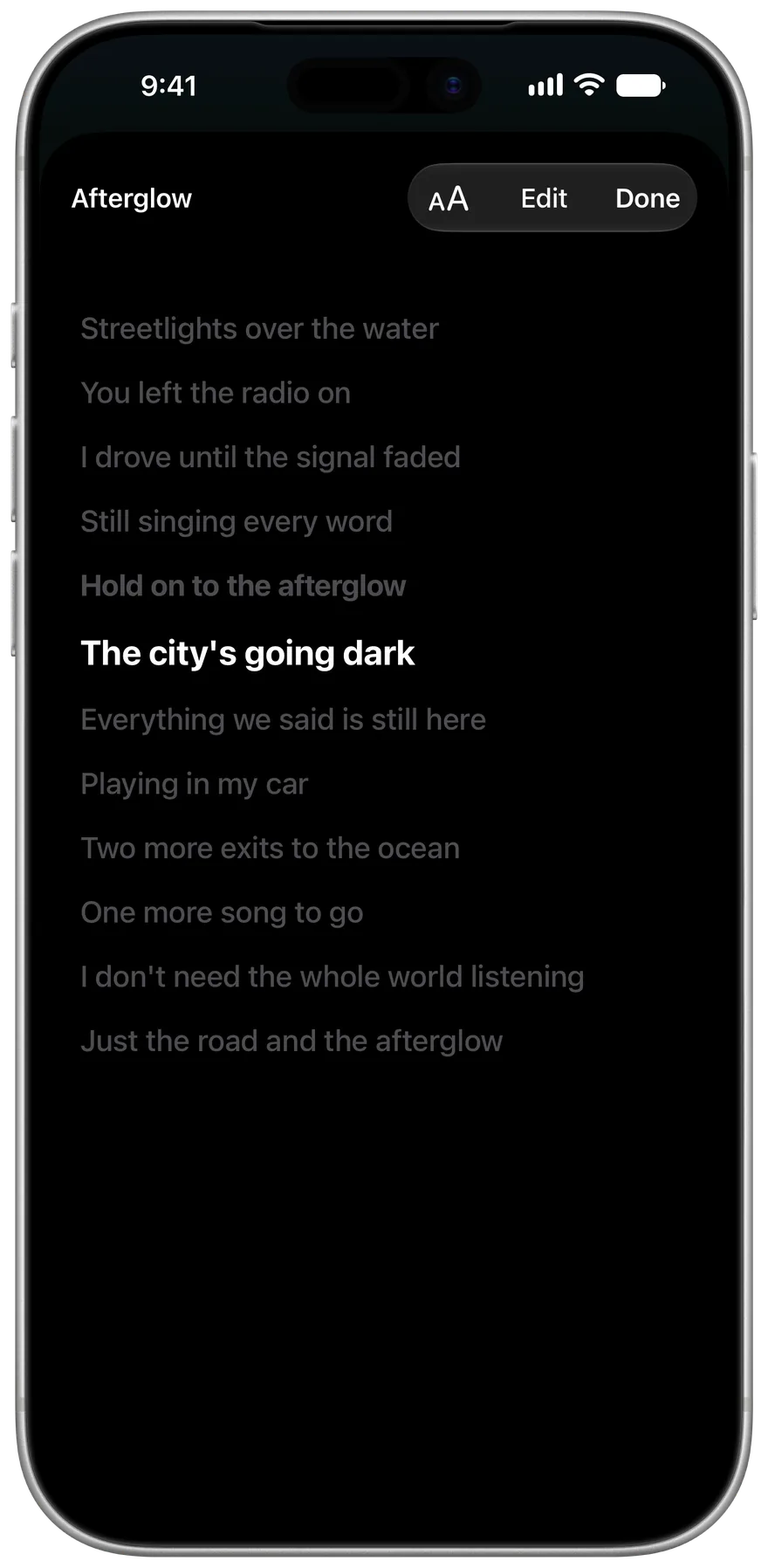
The current line stays highlighted and the text scrolls with the song. Tap any line to jump to that point. Settings has text size and alignment for lyrics.
Related guides
Get Offline Music Player
It's free, and it has no ads.