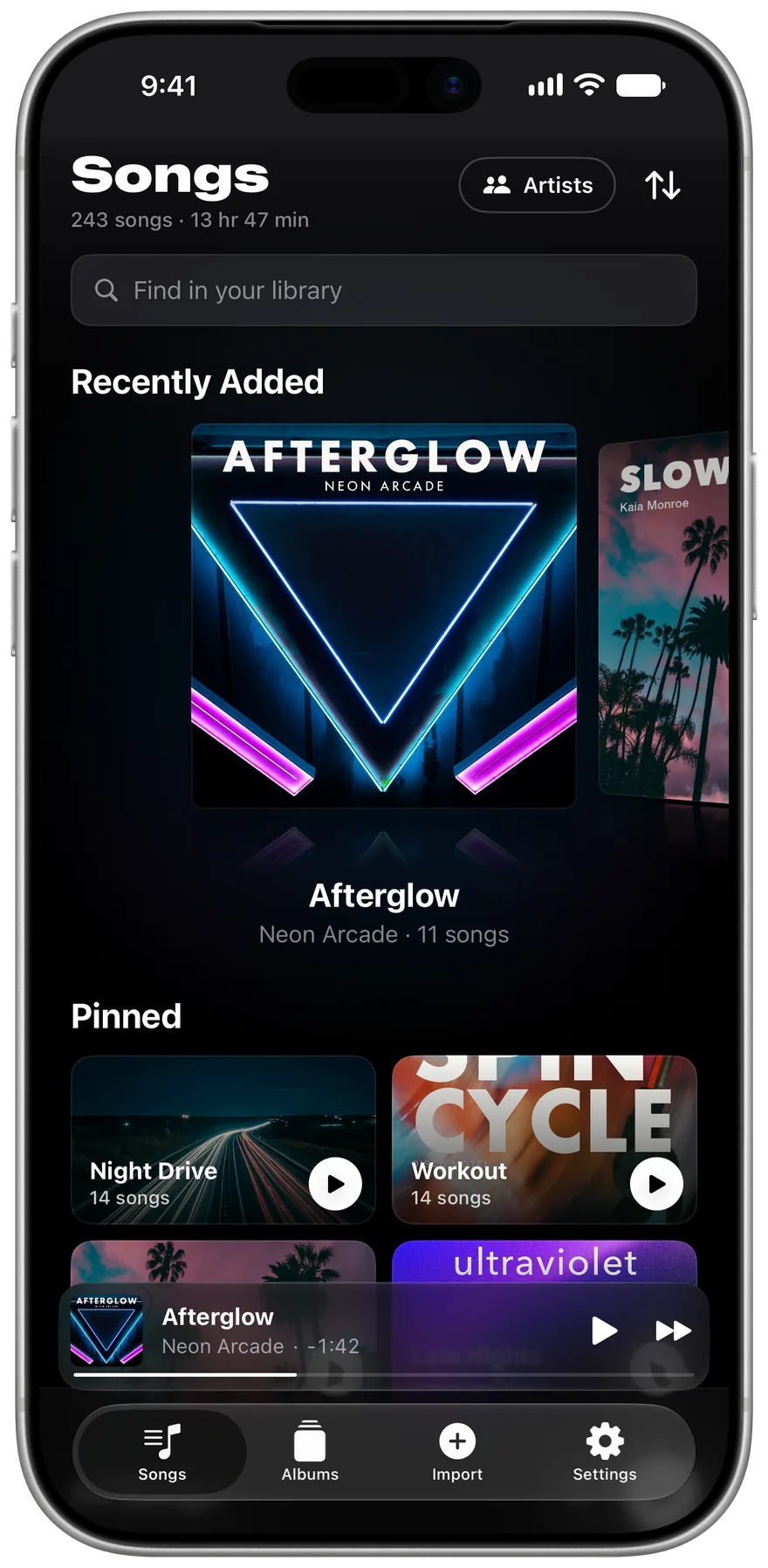
MP3 and FLACPlus AAC, WAV and Opus
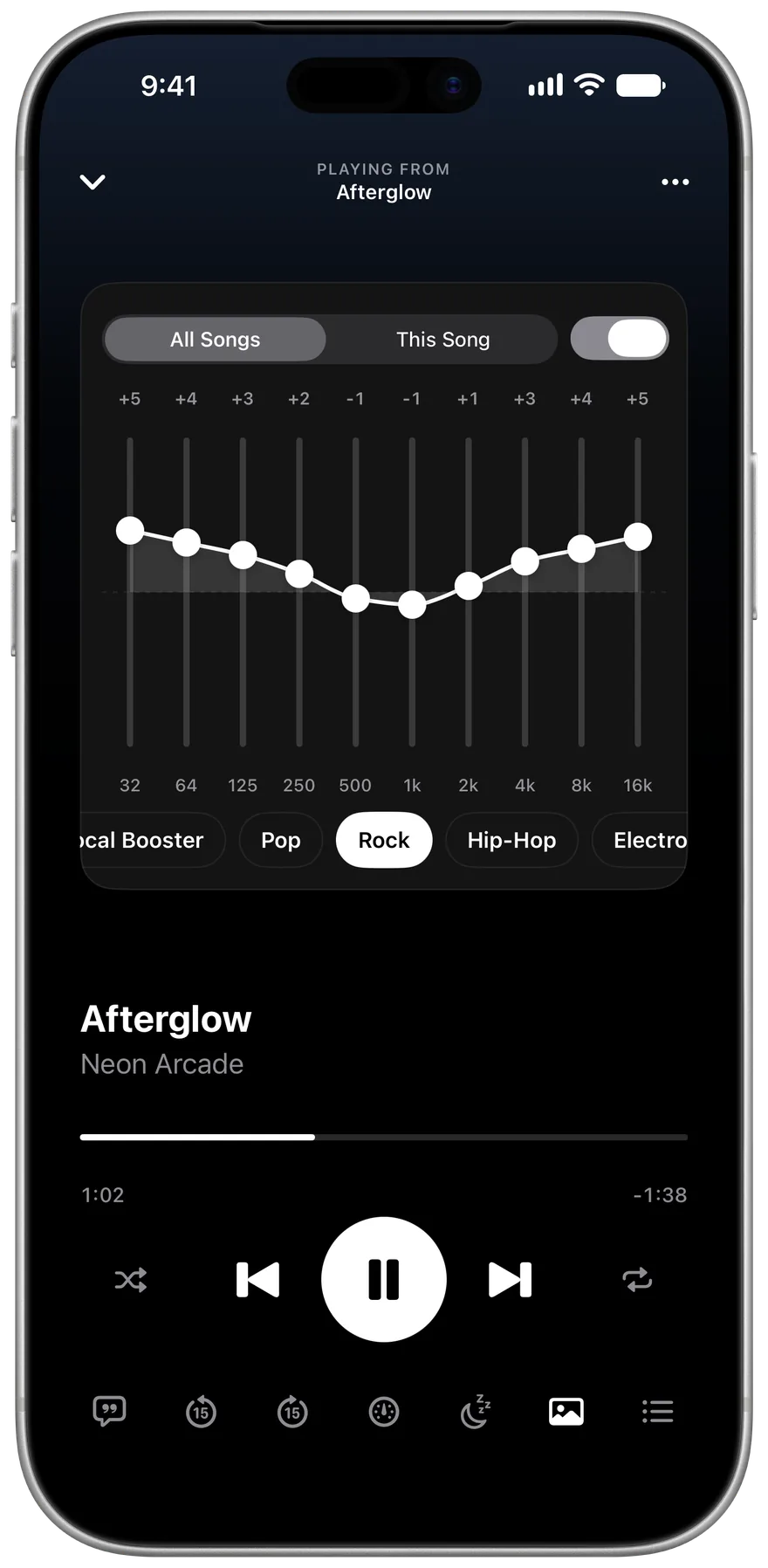
Ten-band EQAnd an EQ for any song
CarPlayPlus Home Screen widgets
Data Not CollectedThe App Store privacy label
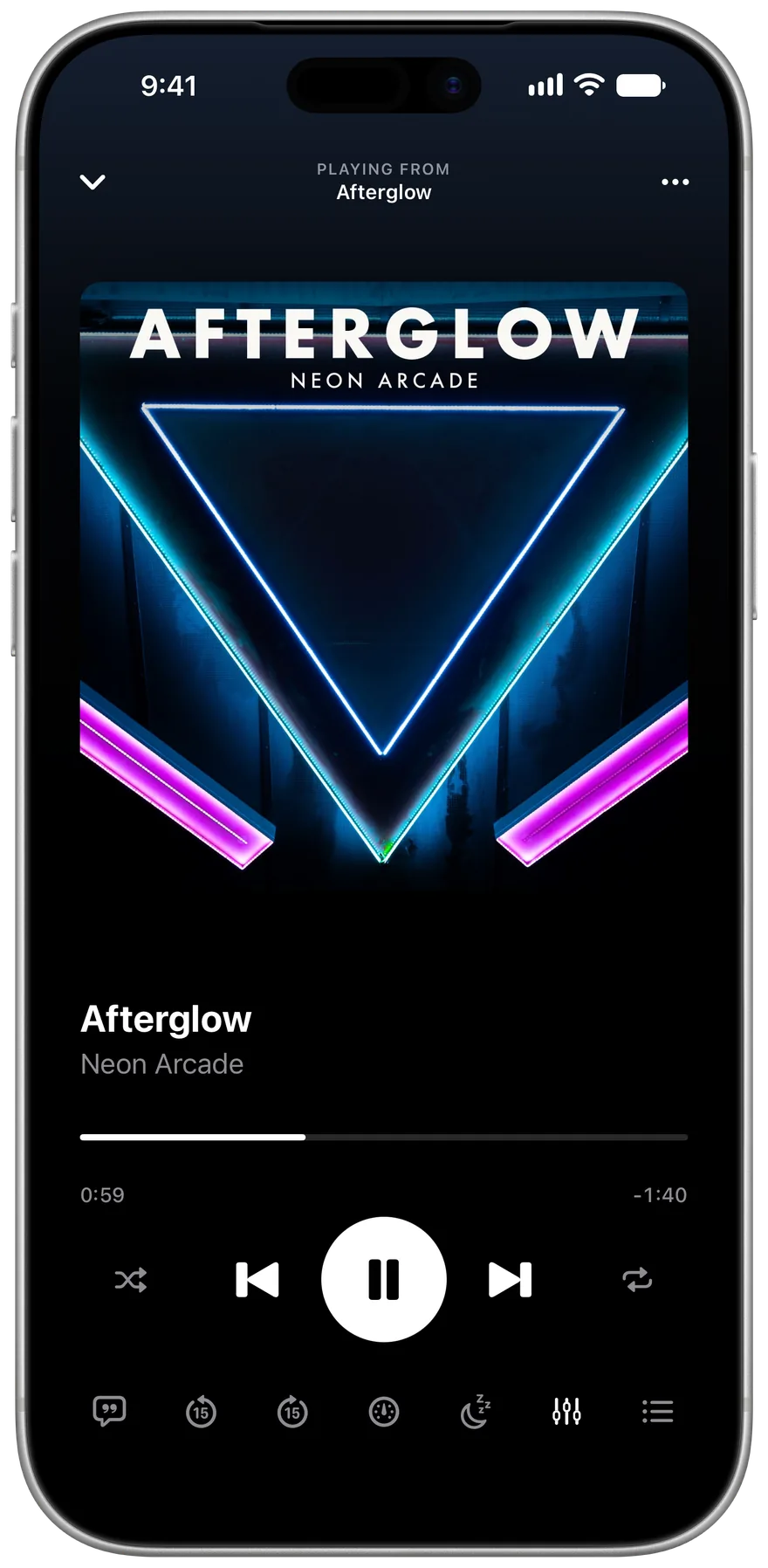
Everything a music player should do
Most of it started as a request in an App Store review.
Ten bands, and an EQ for any song
Tap the sliders and the artwork turns over, with presets for AirPods and more.
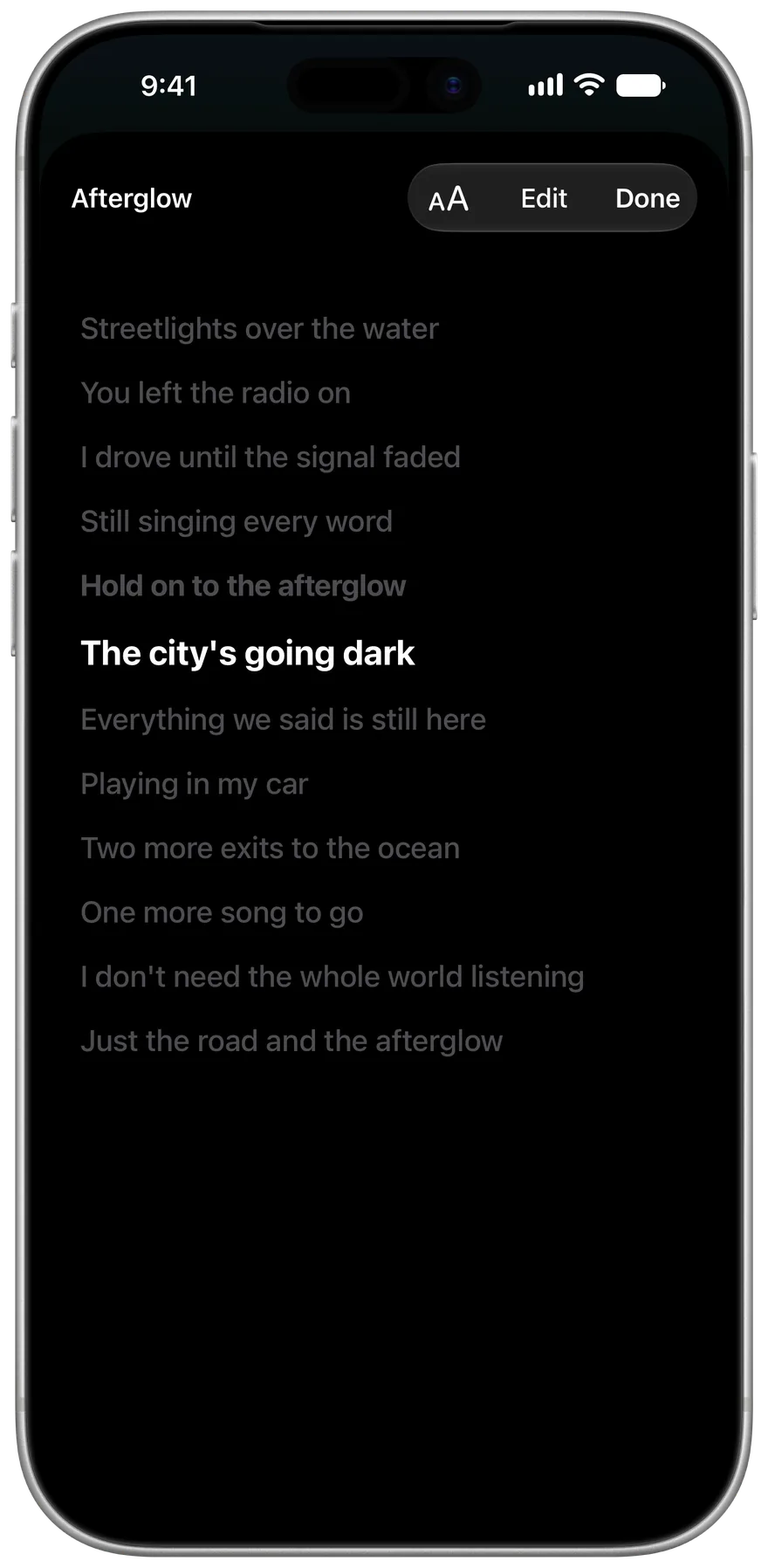
Lyrics that follow the song
Import .lrc files or paste lyrics in, then tap along to time each line.
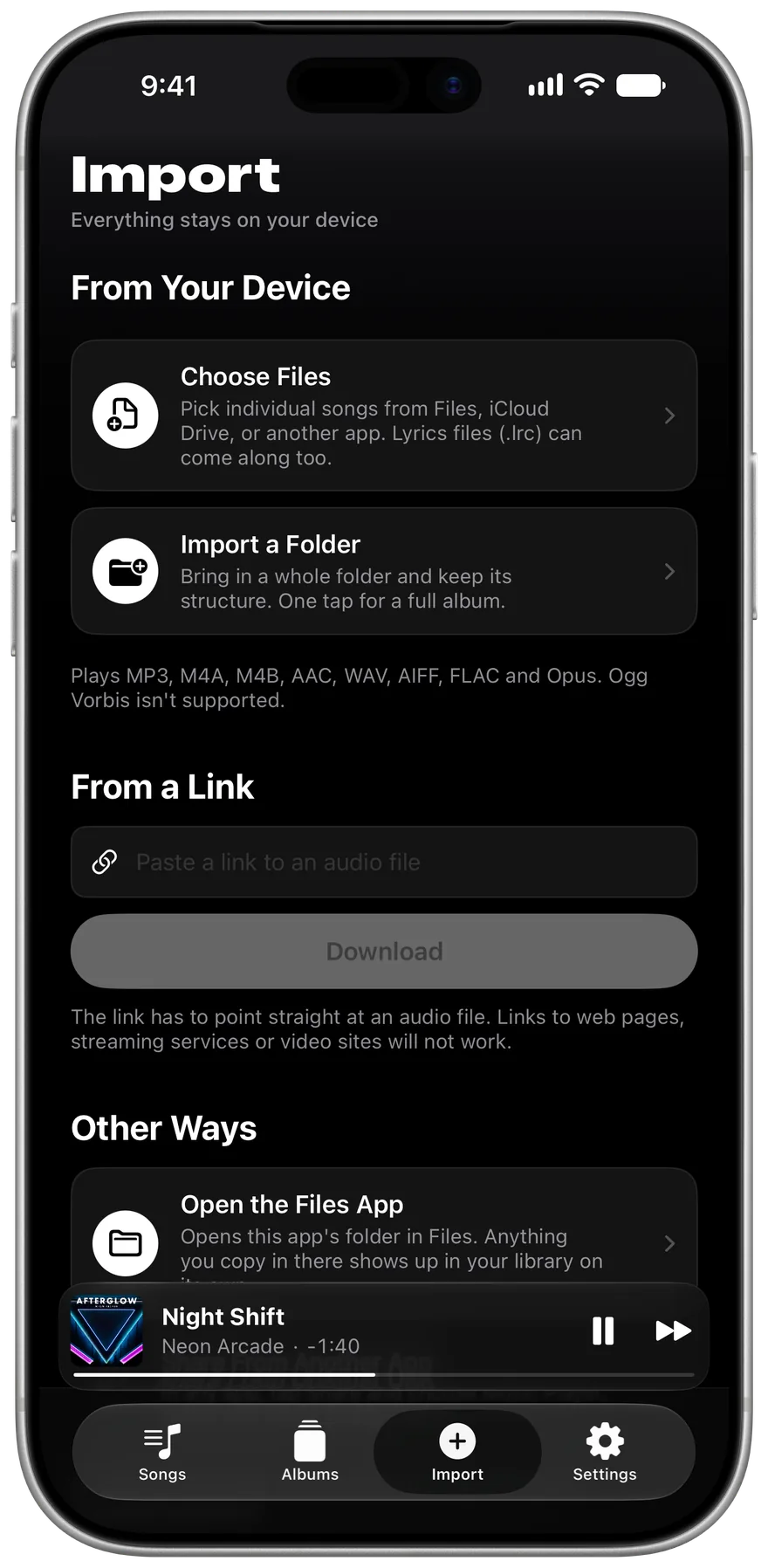
Import a whole folder
Folders keep their order and become albums.
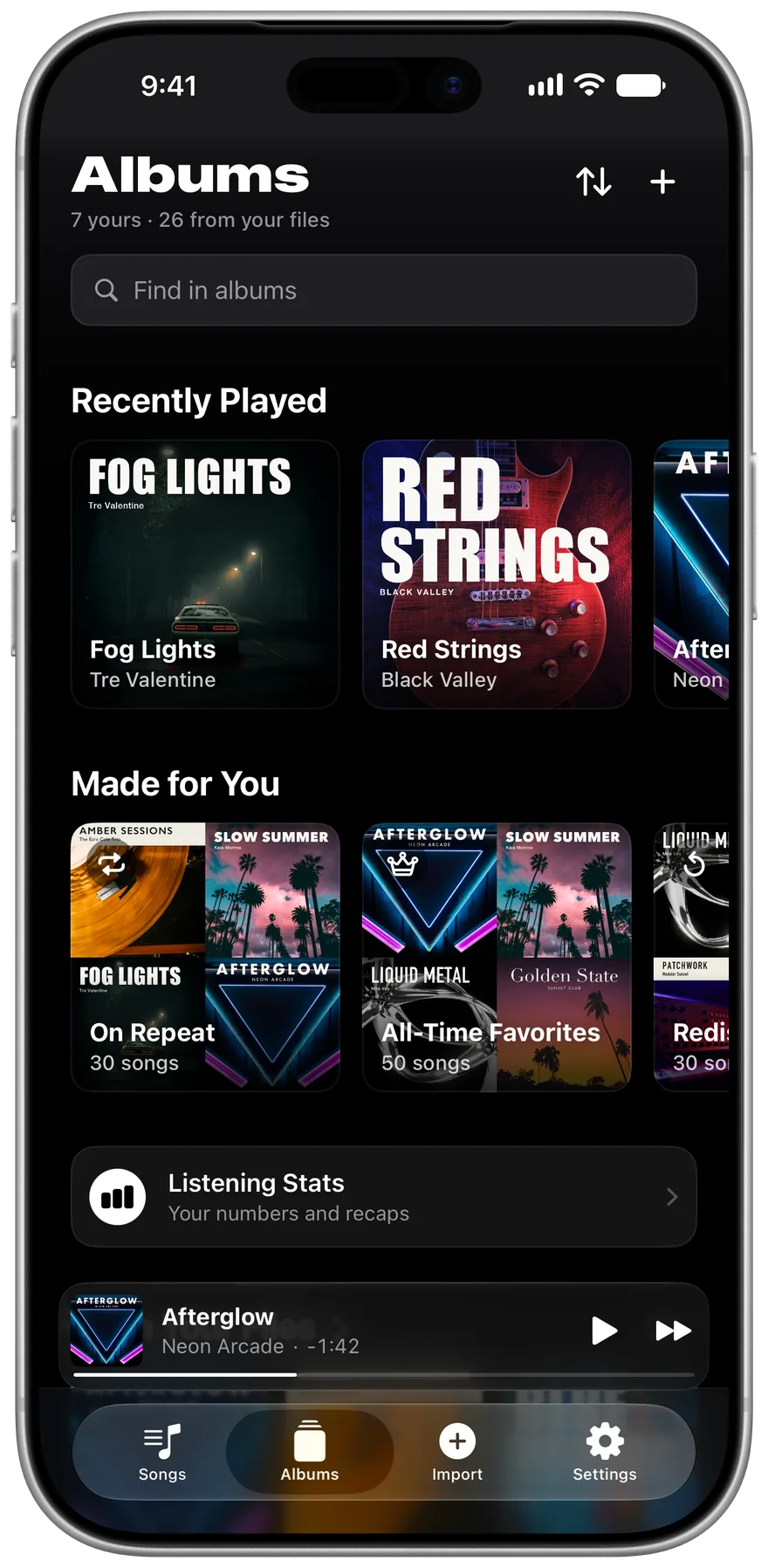
Albums from your tags
Albums and artists fill in from your files.
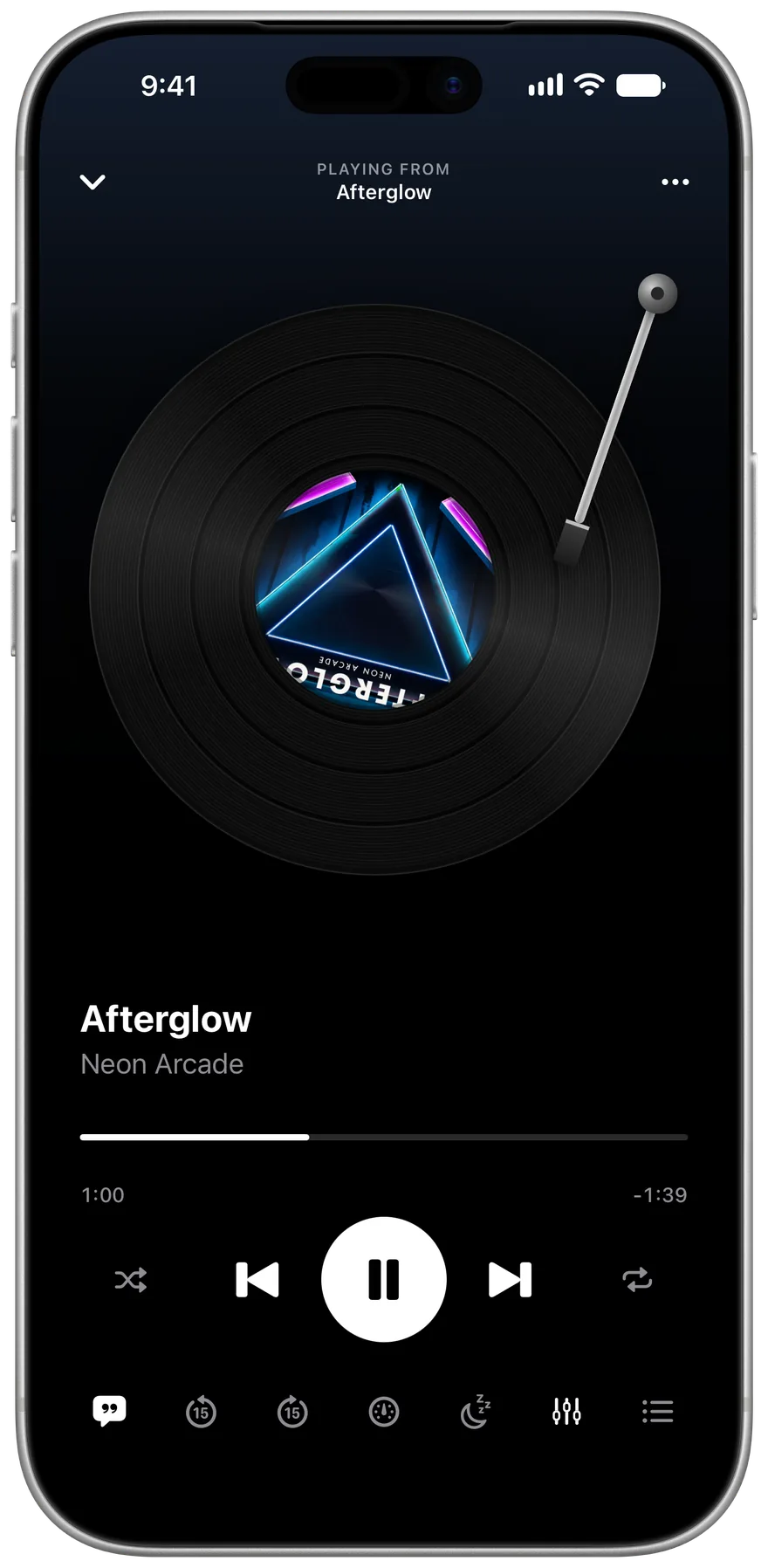
A record that spins
Turn on Round Artwork and the cover plays on a turntable.
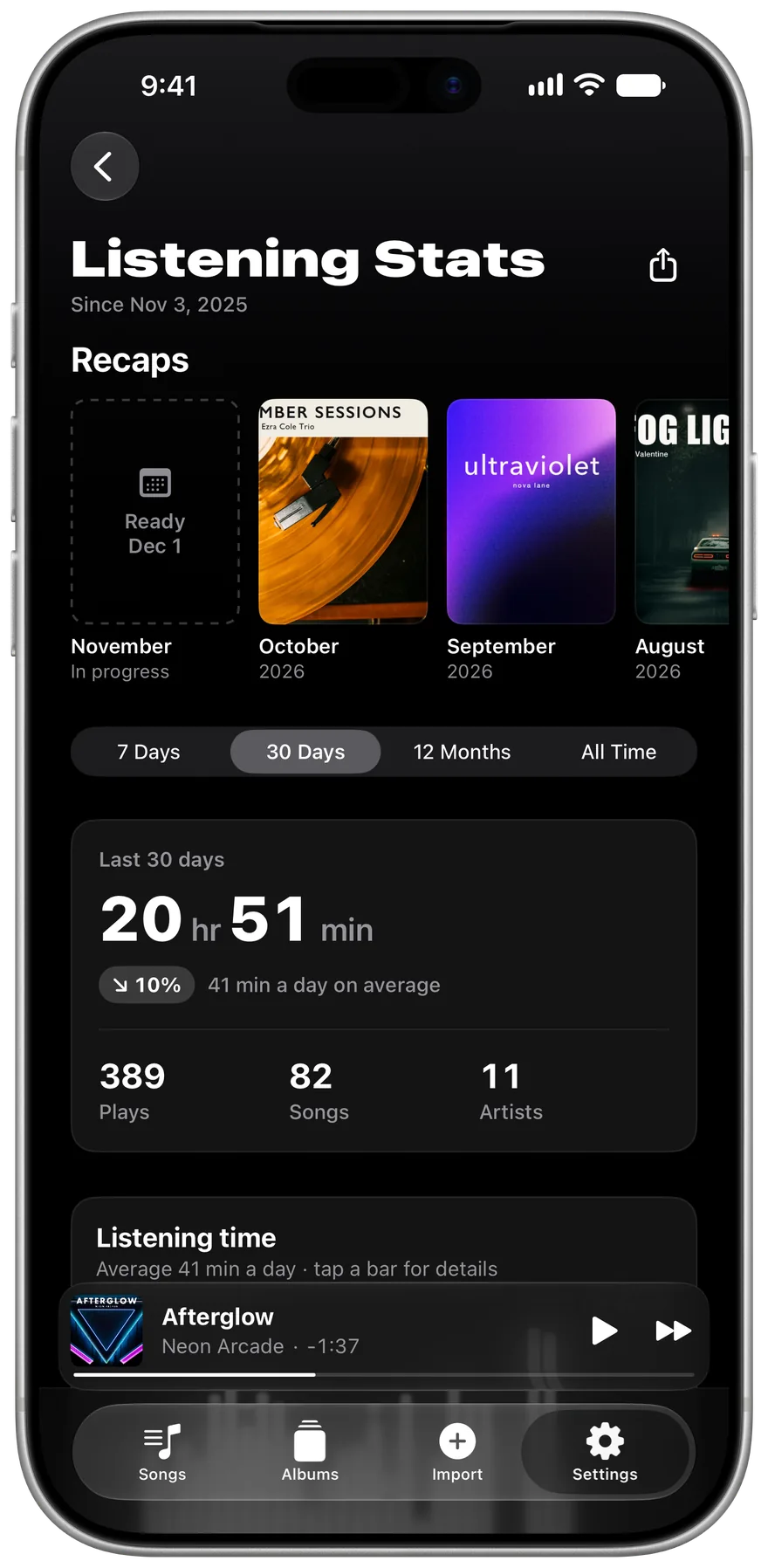
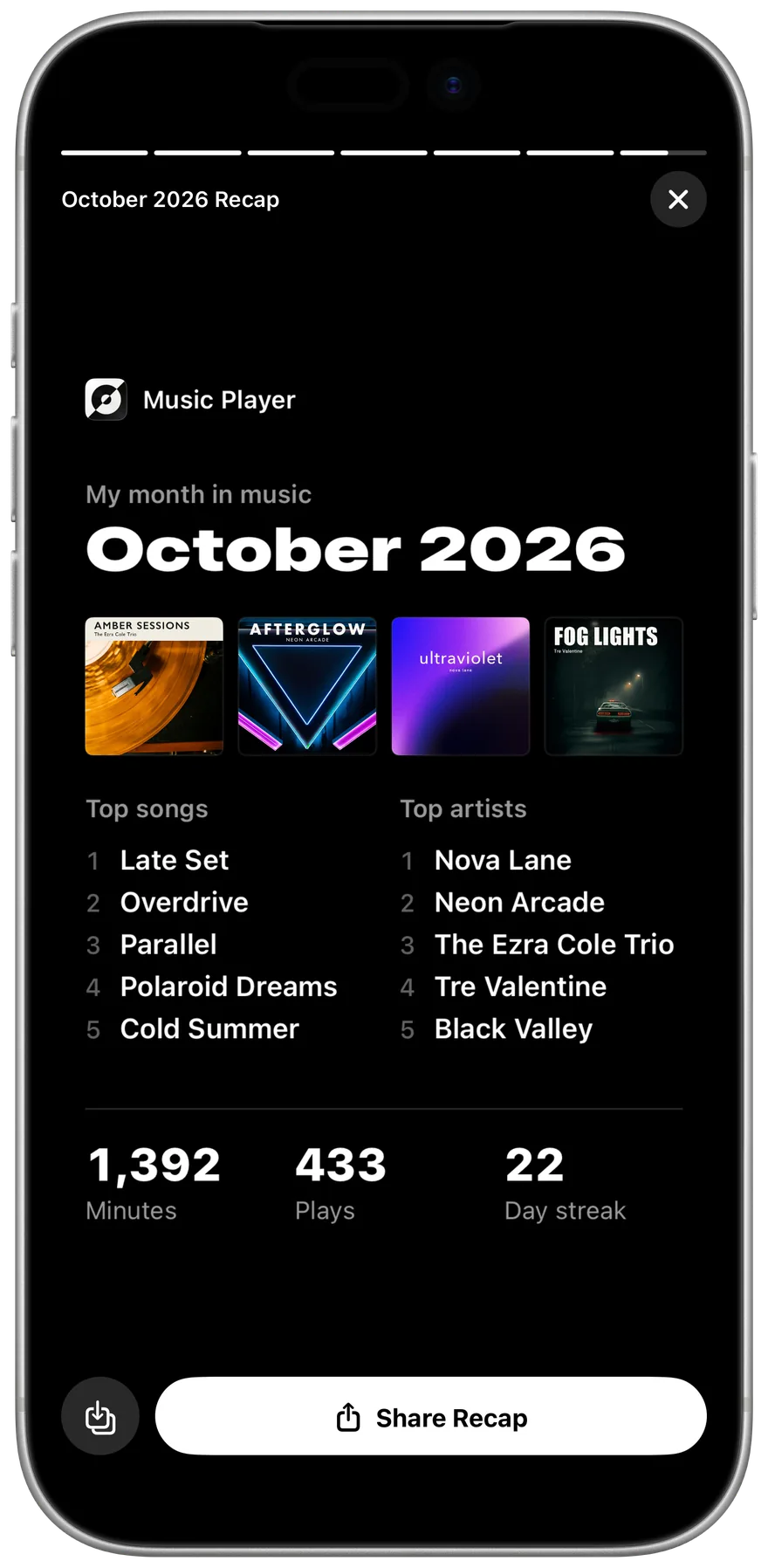
See what you play
Stats and monthly recaps are counted on your iPhone and stay there.
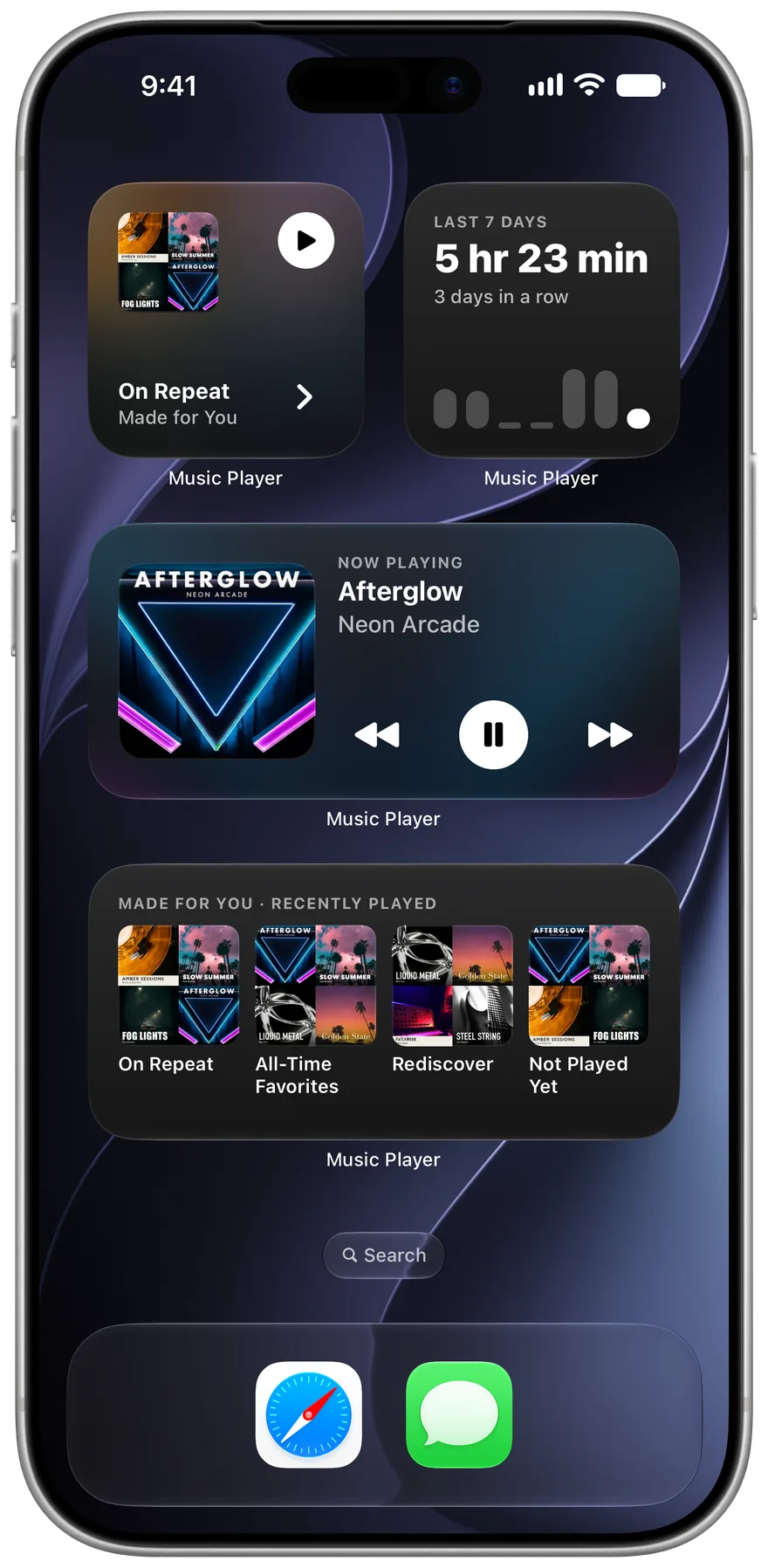
Widgets and CarPlay
Four Home Screen widgets, and your library in the car.
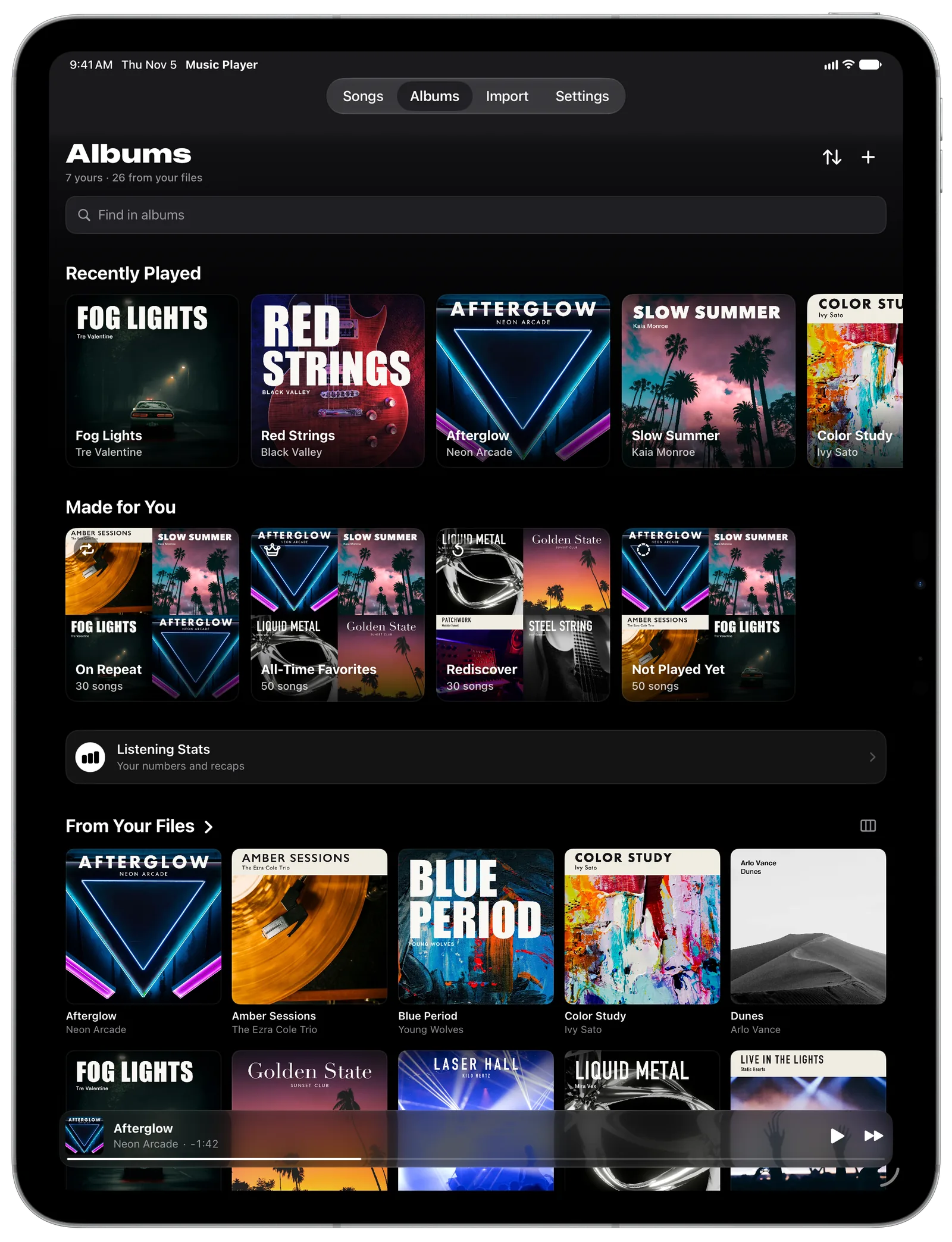
The same app on iPad
Your library fills the larger screen, and iPhone Duo gets its own layouts.
You'll need your own files
The app doesn't stream or sell music. It plays audio you already have.
Audiobooks and podcasts
Switch the labels to Books and Chapters, and long files remember your place.
Tech specs
| Price | Free, with no ads and no in-app purchases |
|---|---|
| Works on | iPhone and iPad with iOS 18 or later, plus CarPlay |
| Plays | MP3, AAC, Apple Lossless, FLAC, WAV, AIFF, Opus and M4B. See all formats |
| Doesn't play | Ogg Vorbis and WMA |
| Equalizer | Ten bands with presets, plus a separate EQ for any song |
| Speed | 0.75x to 2x |
| Sleep timer | Presets, your own time, or stop at the end of the song |
| Lyrics | Synced .lrc files, plain text, and a timing editor |
| Privacy | Data Not Collected on the App Store label |
Rated 4.8 on the App Store
“A totally free, no ads, beautiful, and easy to use music player that I can use offline.”
App Store user
“No ads, no data collected. Simple elegant design. Dark mode. Easy to add music. Brilliant app.”
App Store user
“Sleak and modern, even futuristic. Completely free and doesn’t collect any data whatsoever.”
App Store user
“This is amazing, no ads, really easy to import songs, you can make your own playlists.”
App Store user
“No ads, no unnecessary buttons, just a great app that lets you add downloaded music to listen offline”
App Store user
“So many apps were free but bloated with advertisements. This app is really ad free.”
App Store user
Questions
Is Offline Music Player free?
Yes. It's free on the App Store, with no ads and nothing to buy inside the app.
Does it come with music?
No. It plays audio files you already have, such as MP3 or FLAC files from CDs, Bandcamp or your own recordings. It doesn't stream or sell music.
Can it play songs from Spotify or Apple Music?
No. Those downloads are protected and only play inside their own apps. You need audio files you can see in the Files app.
Does it need internet?
Only if you paste a download link. Importing from Files and playing music both work in airplane mode.
Where are my songs stored?
The app copies each song into its own folder on your device. Deleting the original won't affect the copy, and deleting the app deletes the copies, so keep your originals.
Which devices does it run on?
iPhone and iPad with iOS 18 or later, plus CarPlay. There is no Android version.
Does it collect any data?
No. The App Store privacy label says Data Not Collected, and there's no analytics code or account. You can read the privacy policy.
Get Offline Music Player
Free on the App Store for iPhone and iPad.