How to play FLAC files on iPhone
By Mohd Mahmodi, who makes the app. Updated November 5, 2026.
iOS can decode FLAC, and you can preview a FLAC file in the Files app. To keep a library of them, with albums and a queue, you need a player app that imports the files. Offline Music Player does this for free, with no paid tier.
Steps
- Copy your .flac files to your iPhone. The computer guide covers this.
- Open the app, go to Import and tap Choose Files or Import a Folder.
- Find them in the Songs tab, or under Albums if the files have album tags.
What gets read from the file
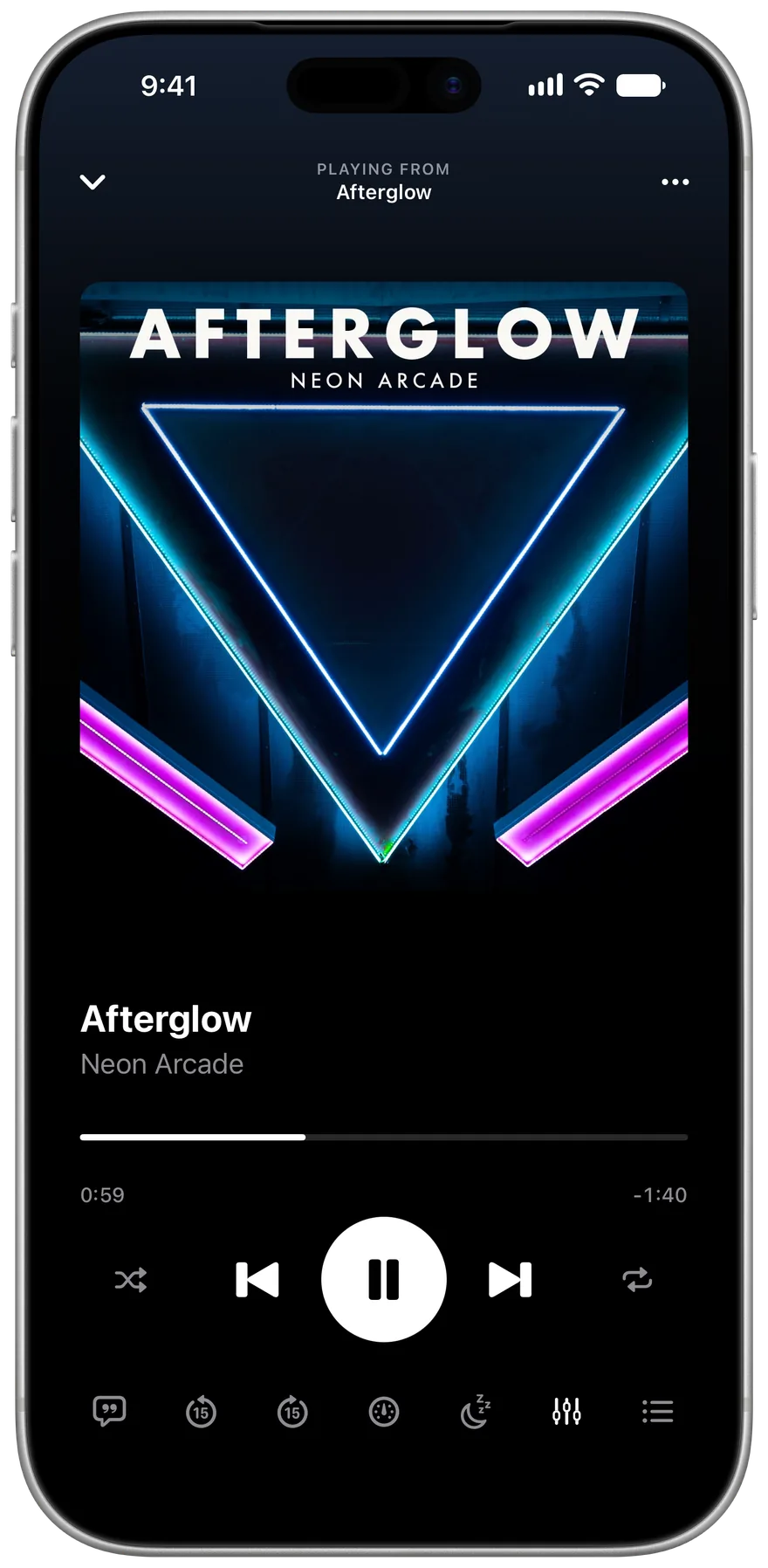
Title, artist, album and embedded cover art come from the tags inside each FLAC file. A folder of untagged files uses the file names, and you can fix those with Edit Details in a song's menu. Edits are saved in the app and aren't written back to the file.
Storage
FLAC files are often several times the size of an MP3 of the same song, so a large library takes real space. Settings shows how much the app is using.
See every format that plays on the formats page.
Related guides
Get Offline Music Player
It's free, and it has no ads.