How to play M4B and MP3 audiobooks on iPhone
By Mohd Mahmodi, who makes the app. Updated November 5, 2026.
Offline Music Player plays M4B and MP3 audiobook files you already own. It's a music player first, so check the limits below before you move a big collection.
Set it up for books
- Import your files. A folder keeps its parts in order.
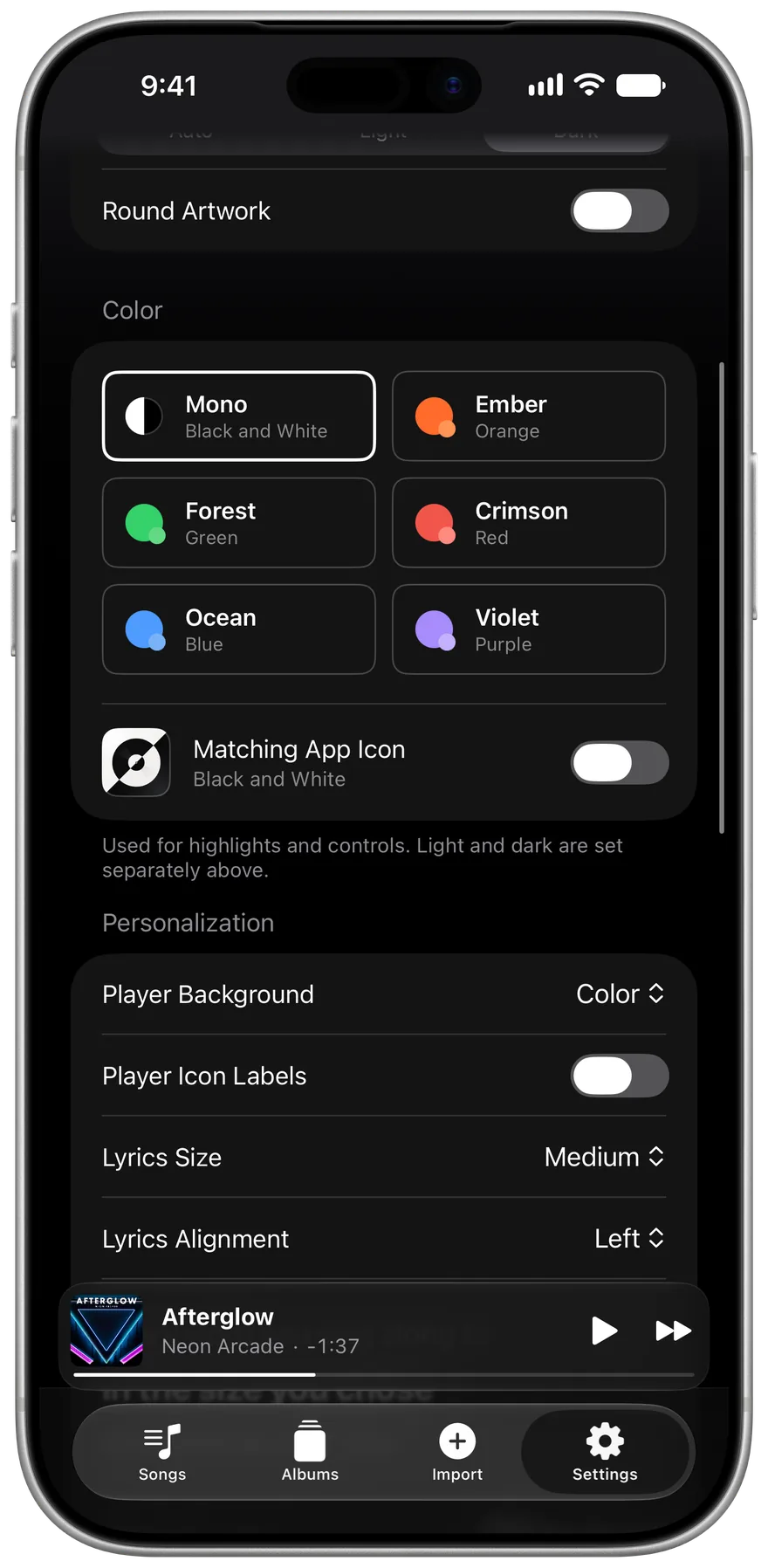
- Go to Settings, then Library, and set Content Type to Audiobooks. Albums and Songs become Books and Chapters across the app.
What helps with long files
- Files of 20 minutes or longer remember your place, even when you switch to something else.
- Speed runs from 0.75x to 2x.
- Back and Forward buttons skip 15 seconds.
- Pressing Previous partway through a long file steps back 15 seconds, so a stray press doesn't lose your place.
- The sleep timer has presets, a custom time, and stop at the end of the track.
Limits
The app doesn't read chapter marks inside an M4B file yet, so one long file plays as one track. If chapters matter to you, BookPlayer is a free audiobook app built around them. Podcasts work the same way if you have the files, and the Podcasts label is in Settings too, but the app can't follow a show or download new episodes.
Related guides
Get Offline Music Player
It's free, and it has no ads.